
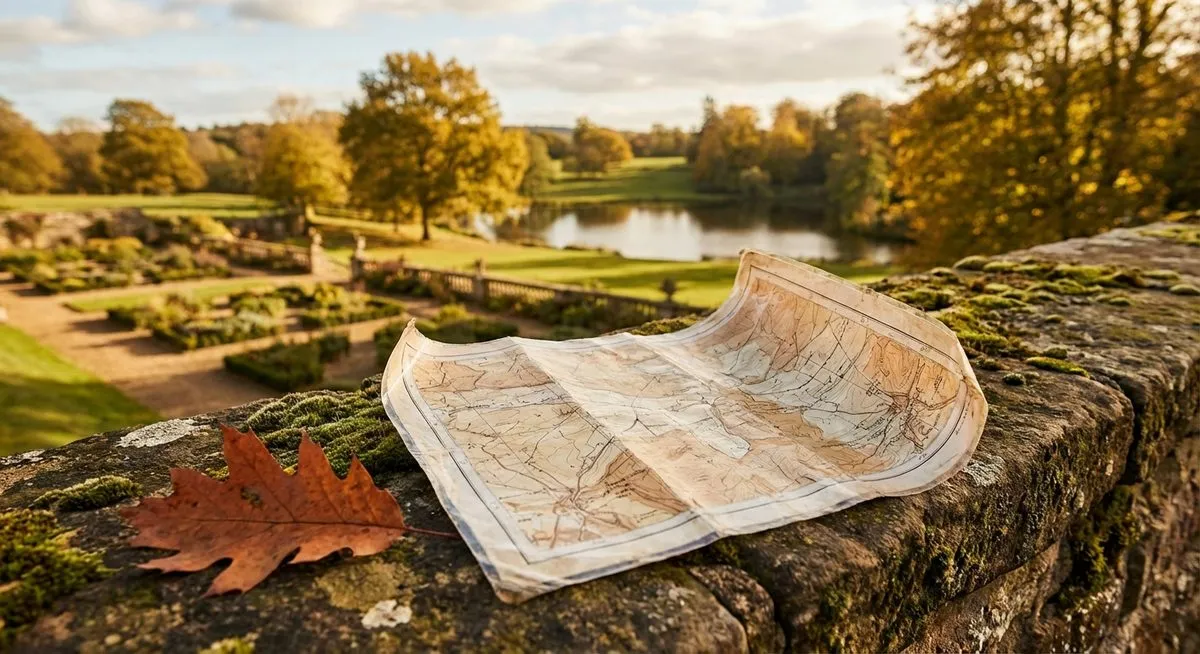
If you run a country estate, hotel, or historic garden, there is a good chance you hand guests a printed map at reception. It might be a folded leaflet, a laminated card, or a page slipped into a welcome pack. It does the job. But it could do so much more.
Moving from a paper map to a digital story map is not complicated. It does not require an app, a large budget, or a technology team. But it does require thinking about what you actually want the map to do for your guests.
What a Paper Map Does Well
Paper maps are familiar. Guests know how to use them. They work without WiFi, without a charged phone, and without any instructions. For a simple "here are the paths, here is the car park" job, paper is fine.
But that is also all paper can do. It shows where things are. It cannot tell a guest why they should care about what they find there. And with 95% of UK adults now owning a smartphone, your guests are already carrying something far more capable in their pocket.
What Paper Maps Cannot Do
A printed map has inherent limitations that no amount of good design can overcome:
- No stories. A dot labelled "Walled Garden" gives a guest no reason to visit it. There is no space to explain that the oak door has been opened by gardeners since 1867, or that the brick walls grow peaches.
- No audio. Some stories are better heard than read, especially while walking through the landscape they describe.
- No positioning. A guest on a 500-acre estate cannot easily find themselves on a paper map. They have to match landmarks to printed shapes, which is harder than it sounds in open countryside.
- No seasonal updates. Printing new maps for spring, summer, autumn, and winter is expensive and wasteful. Most properties print once and live with it.
- No data. You have no idea which parts of your grounds guests actually visit, which paths they take, or which areas they avoid.
What to Look for in a Digital Alternative
Not all digital maps are equal. Many "interactive maps" are really just zoomable images with pins. A proper digital story map for an estate should have:
1. No app download
If guests need to find and install an app before they can use your map, most will not bother. The best digital maps work directly in the mobile browser. Scan a QR code, and you are in.
2. GPS positioning
The map should show guests where they are with a live blue dot. On a large estate, this is the single most useful feature. Guests stop worrying about getting lost and start enjoying the walk.
3. Rich content at each point of interest
Each marker on the map should open a story rather than a bare label. Text, photographs, and audio narration give guests a reason to explore further and stay longer.
4. Works on any phone
The map needs to work on both iPhone and Android, on older devices as well as new ones, and on slower connections. Guests at rural properties often have limited signal.
5. Easy to update
Seasonal changes, new points of interest, temporary closures. Your map should be simple to update without needing a developer.
6. Matches your brand
A luxury estate handing guests a generic-looking digital map undermines the experience. The design should feel like an extension of your property, not a third-party tool bolted on.
The Transition Process
Moving from paper to digital does not have to happen overnight. A practical approach:
- Identify your best content. Walk your grounds and list the spots where there is a story to tell. Most estates have 6 to 15 strong points of interest.
- Write the stories. These do not need to be long. Two to three paragraphs per spot is plenty. Focus on what makes each place special. History, ecology, architecture, folklore, personal memories.
- Consider audio. Audio narration adds a layer that text alone cannot match. A guest can listen while looking at the view, rather than reading with their head down.
- Choose your delivery method. A QR code at reception is the simplest. You can also include the link on your website, in pre-arrival emails, and on the guest WiFi portal.
- Keep the paper map. At least initially, offer both. Some guests will always prefer paper. Over time, you will likely find that fewer and fewer guests pick up the printed version.
Common Concerns
What about guests without smartphones?
They are increasingly rare, but they exist. Keep a small supply of printed maps for anyone who asks. The digital map is not about eliminating paper. It is about offering something far better alongside it.
What about mobile signal?
A well-built story map loads all its content when the guest first opens it. After that, it works using only GPS, which does not require mobile signal. Even in the most remote corners of your grounds, the map and stories remain accessible.
What about older guests?
If they use a smartphone, they can use a story map. The interaction is simple: open a link, see a map, tap a pin, read a story. There is no learning curve beyond what they already do every day.
The question is not whether guests can use a digital map. It is whether the digital map you give them is worth using. If the content is good and the design is intuitive, guests of all ages will engage with it.
What Happens Next
Once a digital story map is live, something interesting happens. Guests start exploring parts of the grounds they previously walked past. They spend more time outdoors. They mention specific stories in their reviews. The grounds become part of the experience in a way that a paper map never achieved.
The paper map told them where things were. The story map told them why those things matter.